
How AI Image and Content Tools Are Changing Small Business Websites
A few years ago, getting decent visuals for a small business website meant hiring a photographer, buying stock images, or making do with something that looked like clip art from 2003. That has changed quickly. AI image generators like Midjourney, and content tools built on similar technology, have put a new set of options on the table. They are not perfect, but they are genuinely useful if you understand what they are good for and where they fall short.
What These Tools Actually Do

Midjourney generates images from text prompts. You type a description and the tool produces a visual. Other tools do similar things with slightly different results. Some are better for product mockups, others for illustrative scenes, and some for abstract backgrounds.
On the content side, AI writing assistants can draft copy, rewrite existing text, or suggest page structures. The two types of tool, image and text, are increasingly sold as part of the same workflow, even if they work independently under the hood.
For a small business owner, the practical question is simple. Can these tools save time and produce something usable? The honest answer is yes, sometimes, with caveats.
Where AI Images Work Well for Small Business Sites
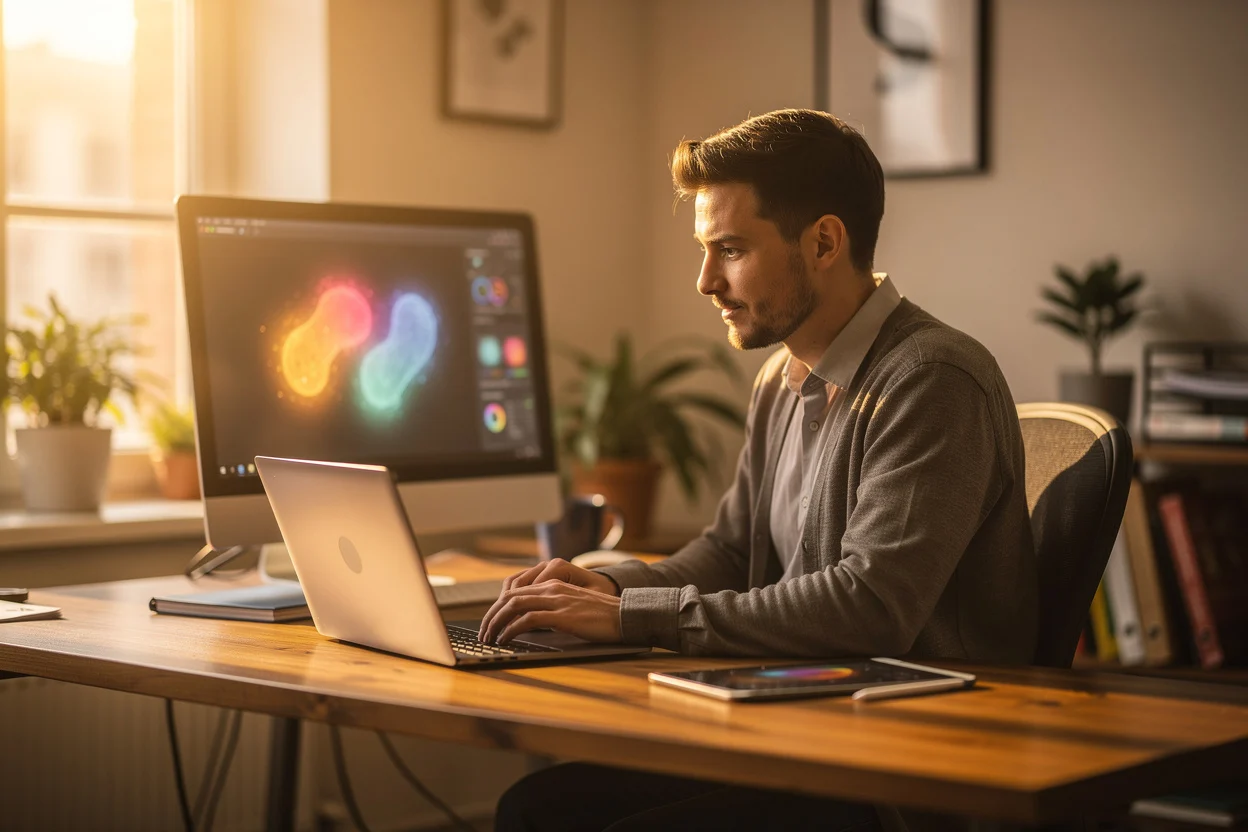
The strongest use case is illustrative content. Blog post headers, section backgrounds, and decorative visuals are good candidates. You do not need a photograph of a real product or a real person. You just need something that looks right and sets a tone.
Midjourney AI tools for business also shine when you need a lot of variations quickly. Say you are testing two different homepage styles. You can generate a dozen visual options in an afternoon rather than waiting on a designer or browsing stock libraries for hours.
Abstract visuals, icons in a specific style, and mood-setting imagery for service pages are all areas where generated images hold up well. The technology handles these better than it handles faces, hands, or text within an image, which are still weak spots worth knowing about.
Where They Fall Short
If your business sells a physical product, AI images are not a substitute for real product photography. Customers buying something online want to see the actual item. A generated image of something that looks like your product is not the same thing and can erode trust.
Faces are still a problem in many generators. They can look uncanny in ways that are hard to pin down but immediately noticeable to a human viewer. If you need images of people for your site, stock photography or genuine photography is still the safer route.
There are also licensing questions that are not fully resolved. Different tools have different terms about commercial use, and those terms change. Before you publish generated images on a business site, check the current licence for the specific tool you used. Do not assume.
AI Content Tools and Website Copy
Text-based AI tools have found a real home in content production for small sites. They are most useful for first drafts, not final copy. A well-prompted AI can give you a starting point for a service page or a blog post. What you do with that draft is what matters.
The risk is publishing AI copy straight without editing. It tends to be vague, overly formal, and light on specific detail. Google's quality rater guidelines, last updated in September 2025, place significant weight on expertise and genuine helpfulness. Generic copy fails that test, whatever produced it.
Use AI to beat the blank page. Then rewrite the output in your own voice, with your own examples, and with details that only someone in your business would know. That combination is where you get real value.
How to Build a Sensible Workflow
A practical approach for a small business is to separate tasks by what AI handles well and what it does not. Use AI image tools for decorative and illustrative purposes. Keep real photography for products, your team, and anything where authenticity matters.
For written content, use AI to draft and outline, then edit properly before publishing. Keep a style guide, even a rough one, so the finished content sounds consistent. If you have a distinct way of talking to your customers, that personality needs to come through in the final version.
Batch your AI work. Spend a focused session generating a set of images or drafting several blog outlines at once. It is more efficient than going back and forth daily, and it lets you review everything together before anything goes live.
Cost and Time: The Real Calculus
Midjourney costs around ten to thirty pounds a month depending on the plan. Most AI writing tools have a similar price range, with free tiers available for lighter use. Compare that to commissioning a single piece of photography or hiring a copywriter for a page, and the maths can look attractive.
However, time is not free. Learning to write good prompts takes practice. Getting an AI image to match your brand takes iteration. If you spend four hours getting one image right, you have not saved anything. The tools reward people who invest a little time upfront in learning how to use them properly.
For most small business owners, the honest return comes from using AI to handle tasks that would otherwise not get done at all, not tasks they would have paid a professional to do. Extra blog posts, additional page variations, social visuals that would have been skipped. That is where the real gain sits.
Keeping Quality in Check
Any image or piece of text that goes on your website reflects on your business. AI tools lower the barrier to production, which is useful, but they also lower the barrier to publishing mediocre work. That is worth watching.
Build in a review step. Look at every generated image before it goes live. Read every AI draft out loud before publishing it. These habits take a few extra minutes and catch problems that would otherwise sit on your site for months.
Consistency matters too. If half your site uses real photography and the other half uses obviously generated images, the visual language feels disjointed. Pick an approach per section of your site and stick to it. Your homepage hero might warrant real photography. Your blog post headers might work fine with generated visuals. That is a reasonable split, but make it deliberate rather than accidental.
What to Do Next
If you have not tried these tools yet, start small. Generate a few images for a blog post and see how they look on your actual site. Draft one service page with an AI writing tool and compare it to pages you have written yourself.
The goal is not to automate your website. The goal is to make building and updating it less painful, so you do it more often. A site that gets updated regularly, with useful content and decent visuals, will always outperform a beautifully designed site that nobody touches for two years.
AI tools are not a shortcut past the work of building something good. They are a way to do more of that work without it consuming every spare hour you have.